
Why Small Businesses Can’t Afford to Ignore ERP Anymore
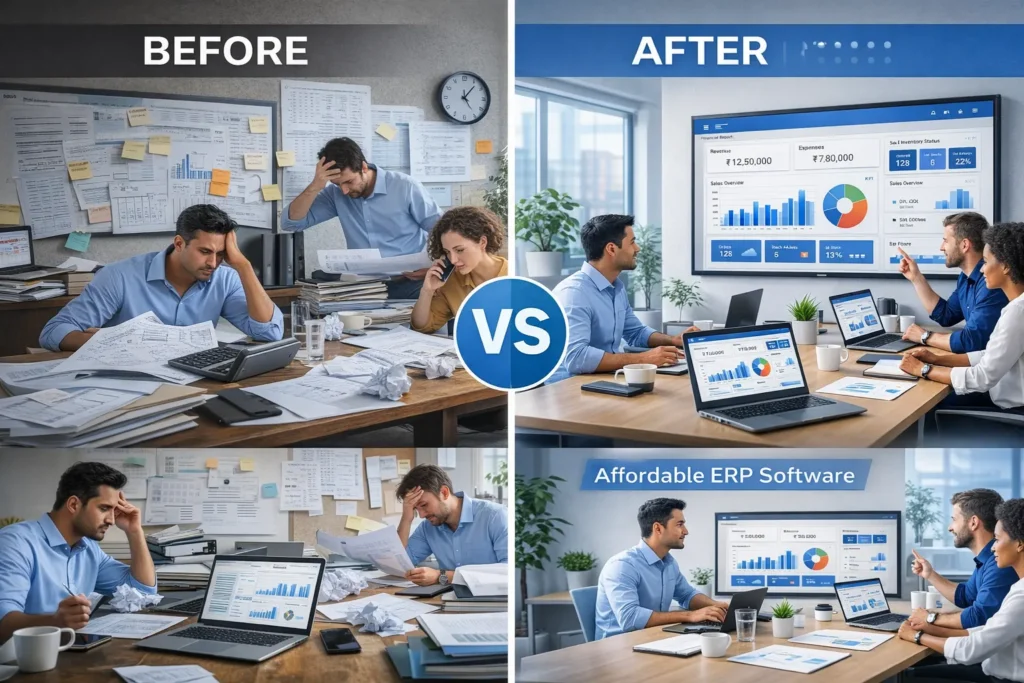
If you’re running a small business, you already know the daily chaos — invoices in one system, inventory in another, customer data scattered across spreadsheets, and reports that take hours to compile.
As your business grows, this fragmentation doesn’t just slow you down — it costs money, creates errors, and limits growth.
That’s exactly why Affordable ERP Software has become one of the smartest investments for small and medium-sized businesses today.
Modern ERP systems bring your entire operation into one connected platform — finance, sales, inventory, purchasing, HR, and reporting — without the massive price tag that once made ERP exclusive to large corporations.
In this guide, you’ll discover:
- What affordable ERP software really means for small businesses
- Must-have features that deliver real ROI
- Actual pricing expectations (including hidden costs)
- Best types of budget-friendly ERP solutions
- How to choose the right system for your company
- Practical tips to ensure successful implementation
What Is Affordable ERP Software?
Affordable ERP software is an all-in-one business management system designed specifically for small and growing companies—offering enterprise-level functionality at a cost that fits an SME budget.
Instead of juggling separate tools for accounting, inventory, sales, and HR, ERP connects everything so your data flows automatically across departments.
For example:
- A sales order updates inventory instantly.
- Purchase orders are reflected in financial records
- Customer payments update accounts automatically.
- Reports reflect real-time business performance
Why Small Businesses Need Affordable ERP Software
1. Eliminates Operational Chaos
Disconnected systems create duplicate work and inconsistent data. ERP becomes a single source of truth for your entire business.
2. Saves Time Every Day
Automation reduces manual tasks such as:
- Invoice creation
- Stock updates
- Payroll processing
- Financial reconciliation
3. Improves Decision-Making
Real-time dashboards allow you to monitor:
- Sales performance
- Cash flow
- Profit margins
- Inventory levels
- Operational efficiency
4. Supports Business Growth
Affordable ERP solutions are designed to scale. You can start small and expand as your company grows — without replacing your system later.
5. Reduces Costly Errors
Manual processes often lead to mistakes in accounting, stock tracking, and reporting. ERP significantly improves accuracy and compliance.
Cloud vs On-Premise ERP: Which Is More Affordable?
Cloud ERP (Recommended for Most Small Businesses)
- Monthly or annual subscription
- No hardware or server costs
- Accessible from anywhere
- Automatic updates and backups
- Fast deployment
On-Premise ERP
- Large upfront investment
- Requires IT infrastructure
- Higher maintenance costs
- Slower to implement
- Less flexible
For startups and SMEs, cloud ERP almost always offers better value and lower risk.
Essential Features to Look for in Affordable ERP Software
Not all ERP systems deliver the same value. Focus on features that directly impact efficiency and profitability.
Accounting and Financial Management
Your ERP should simplify financial control, including:
- Invoicing and billing
- Accounts payable and receivable
- Expense tracking
- Cash flow monitoring
- Profit and loss reports
- Tax and compliance support
Inventory and Stock Management
Critical for product-based businesses:
- Real-time stock tracking
- Multi-location inventory
- Purchase and sales orders
- Low-stock alerts
- Batch or serial tracking (if needed)
Sales and Customer Management (CRM)
Integrated CRM helps you grow revenue by managing the entire customer lifecycle:
- Lead tracking
- Customer database
- Quotation management
- Order processing
- Sales performance analytics
Purchasing and Vendor Management
Efficient procurement prevents stock shortages and reduces costs:
- Supplier records
- Purchase approvals
- Order tracking
- Vendor performance insights
Human Resource Management
Many affordable ERP solutions include HR tools such as:
- Employee records
- Payroll processing
- Attendance tracking
- Leave management
Reporting and Analytics
Look for dashboards that provide instant insights without manual calculations:
- Financial performance
- Sales trends
- Inventory turnover
- Operational KPIs
Mobile Access
Business owners increasingly need visibility on the go. Cloud ERP allows you to check operations from your phone or tablet anytime.
Pricing of Affordable ERP Software: What to Expect
ERP pricing varies widely, but most small businesses fall into these ranges.
Subscription (SaaS) Pricing
Most modern ERP systems charge per user per month.
Typical range:
- Basic solutions: ₹1,000 – ₹3,000 per user/month
- Mid-range ERP: ₹3,000 – ₹8,000 per user/month
- Advanced systems: ₹8,000+ per user/month
Tiered Plans
Vendors often offer packages:
- Basic — core modules only
- Standard — additional features
- Premium — full functionality and customisation
Hidden Costs to Watch Out For
Many businesses underestimate implementation expenses. Consider:
- Setup and onboarding
- Data migration
- Customisation
- Training
- Ongoing support
- Integration with other systems
Understanding the total cost of ownership prevents budget surprises.
Best Types of Affordable ERP Solutions for Small Businesses
Instead of focusing on brand names alone, it’s more useful to understand solution categories.
All-in-One Cloud ERP Suites
These platforms provide a complete business system in one package — ideal for companies that want simplicity and minimal integration work.
Best for: Trading, distribution, service companies, and multi-department businesses.
Modular ERP Systems
You start with essential modules and add more later.
Best for: Growing companies that want flexibility and controlled costs.
Industry-Specific ERP
Tailored for sectors like the following:
- Manufacturing
- Retail
- Wholesale distribution
- Construction
- Professional services
These solutions include industry workflows out of the box, reducing customisation needs.
Open-Source ERP
Free software with paid hosting and implementation.
Best for: Businesses with technical support available and tight budgets.
How to Choose the Right Affordable ERP Software
Step 1: Identify Your Biggest Pain Points
Ask:
- Where do we lose time daily?
- Which errors cost us money?
- What information is hardest to track?
Choose ERP to solve real problems — not just to follow trends.
Step 2: Define Must-Have Features
Avoid paying for capabilities you’ll never use.
Focus on:
- Core operations
- Reporting needs
- Industry requirements
- Future expansion plans
Step 3: Set a Realistic Budget
Consider long-term value, not just monthly fees. A slightly higher investment can deliver much better efficiency gains.
Step 4: Evaluate Ease of Use
If your team finds the system complicated, adoption will fail.
Look for:
- Clean interface
- Logical workflows
- Minimal training requirements
Step 5: Assess Vendor Support
Reliable support is crucial during implementation and beyond.
Check:
- Response times
- Training resources
- Customer reviews
- Local compliance knowledge
Implementation Tips for Maximum ROI
Even affordable ERP can fail without proper rollout.
Start With Core Modules
Finance and inventory are usually the best starting points.
Clean Your Data Before Migration
Remove duplicates and errors to ensure accurate reports.
Train Your Team Thoroughly
User confidence drives adoption.
Monitor Performance
Track improvements in:
- Processing time
- Error rates
- Reporting accuracy
- Operational efficiency
Common Mistakes to Avoid
- Choosing solely based on lowest price
- Ignoring scalability
- Underestimating implementation effort
- Skipping employee training
- Not evaluating vendor reliability
Avoiding these pitfalls dramatically increases success.
How Affordable ERP Software Delivers Real ROI
Small businesses often see measurable improvements, such as:
- Faster order processing
- Reduced operational costs
- Improved cash flow visibility
- Better customer service
- Data-driven decision-making
Over time, ERP often pays for itself through efficiency gains alone.
Future Trends in Affordable ERP Software
AI-Powered Automation
Forecasting, anomaly detection, and workflow automation are becoming standard.
Mobile-First Platforms
Full operational control from smartphones and tablets.
Industry-Focused Solutions
More specialised ERP tools tailored to niche sectors.
Better User Experience
Modern systems prioritise simplicity to encourage adoption.
Frequently Asked Questions (FAQ)
What is the cheapest ERP software for small businesses?
Cloud-based entry-level systems typically offer the lowest cost, especially those with modular pricing.
Is ERP worth it for a small company?
Yes—if your business manages inventory, multiple departments, or growing transaction volumes, ERP can dramatically improve efficiency and control.
How long does ERP implementation take?
Small business implementations usually range from a few weeks to a few months, depending on complexity.
Can ERP grow with my business?
Most modern cloud ERP systems are designed to scale by adding users, modules, or locations.
The Smart Way to Scale a Small Business
Affordable ERP Software has transformed from a luxury into a necessity for growing companies. It enables small businesses to operate with the efficiency, visibility, and professionalism once reserved for large enterprises.
The right system will:
- Streamline operations
- Reduce manual work
- Improve accuracy
- Support smarter decisions
- Enable confident growth
Don’t choose based on price alone. Focus on long-term value, usability, and scalability.
When implemented correctly, ERP becomes the backbone of a modern, efficient, and competitive business.