
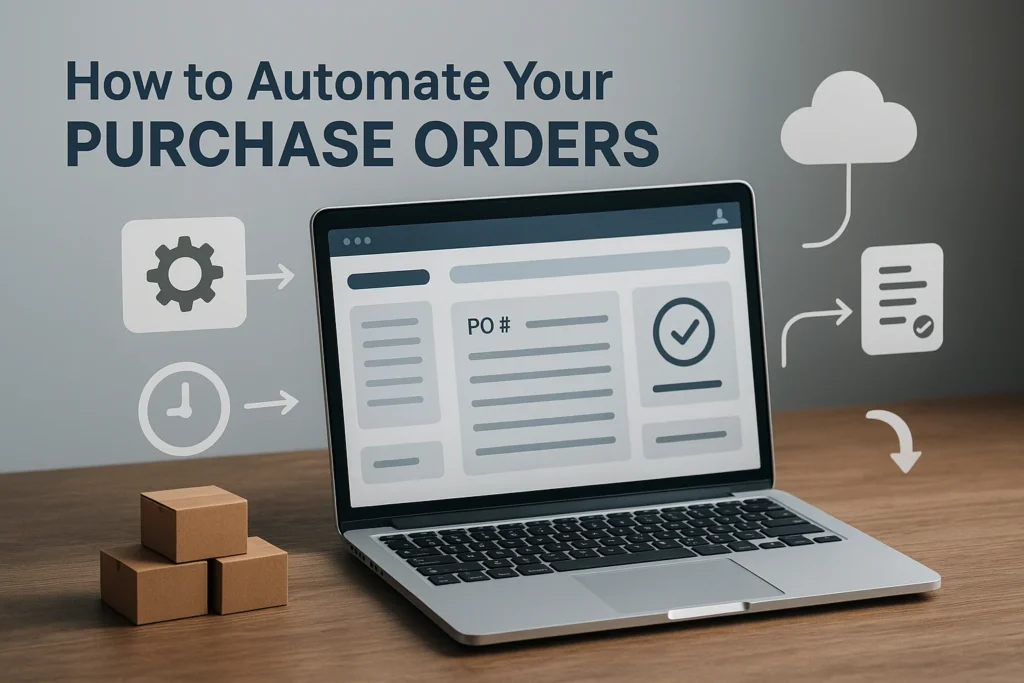
If your team is still managing purchase orders manually—emailing suppliers, tracking approvals in spreadsheets, and retyping data into different systems—you’re losing valuable time every single week. Manual purchase order processes are slow, error-prone, and nearly impossible to manage as your business grows.
The good news? You can automate your Purchase Order workflow and save up to 10 hours every month while improving accuracy, visibility, and vendor communication. In this guide, we’ll walk you through how purchase order automation works, the benefits, and exactly how to implement it step-by-step.
What Is Purchase Order Automation?
Understanding the Basics of a Purchase Order
A Purchase Order (PO) is a formal document sent to a supplier to confirm a purchase. It includes critical information such as items, quantities, pricing, delivery dates, and approval details. It also acts as a legal contract once accepted.
What Purchase Order Automation Means
Purchase order automation replaces manual, repetitive tasks—like data entry, approvals, and follow-ups—with workflows that run automatically. This includes:
- Auto-generated PO numbers
- Digital approval routing
- Vendor communication tracking
- Integration with ERP, inventory, and accounting systems
With automation, teams can create, approve, track, and receive POs without touching endless emails or spreadsheets.
Why Automate Your Purchase Orders?
Save Up to 10 Hours a Month
Automating repetitive steps—like PO creation and approvals—frees up hours every month for your procurement and finance teams.
Reduce Human Errors
Manual POs often lead to incorrect quantities, wrong supplier info, or duplicated orders. Automation ensures clean, accurate data every time.
Improve Visibility and Tracking
Real-time dashboards show PO statuses, pending approvals, supplier performance, and delivery timelines—all in one place.
Strengthen Financial Control
Automated systems enforce budgets, approval thresholds, and audit trails—helping you control spending and prevent unauthorised purchases.
Step-by-Step Guide: How to Automate Your Purchase Order Workflow
1. Map Your Current Purchase Order Process
Before automating, identify bottlenecks:
- Are approvals slow?
- Are POs often missing information?
- Do teams follow different formats?
Understanding your workflow helps you design automation that actually works.
2. Choose a Purchase Order Automation Tool
Look for software with features like:
- Custom approval workflows
- Auto-filled vendor and item details
- Integration with ERP or inventory systems
- Mobile approvals
- Real-time tracking
If you already use an ERP like Chirix ERP, choose a tool that integrates seamlessly.
3. Set Up Automated Approval Workflows
Create rules based on:
- Purchase value
- Department
- Item category
- Vendor type
Approvers receive instant notifications and can approve from email or mobile.
4. Digitise Purchase Order Creation
Templates save hours:
- Use predefined line items
- Auto-populate pricing and supplier info
- Generate PO numbers automatically
5. Integrate With Inventory, Accounting & ERP Systems
A connected Purchase Order system can:
- Trigger POs when stock hits reorder levels
- Sync received goods with inventory
- Match POs automatically with invoices for 3-way matching
6. Test, Train, and Roll Out
Train employees on the new process, onboard vendors, and run small pilot batches before company-wide implementation.
Real Examples: Businesses Saving Time With PO Automation
Example 1 — Retailer Cuts Approval Time by 70%
A small retail chain automated approvals and eliminated slow email loops.
Example 2 — Manufacturer Prevents Stockouts
Automated PO triggers ensured raw materials never ran out during production.
Example 3 — ERP-Integrated PO System Saves 10+ Hours Monthly
Centralised procurement and real-time tracking reduced time wasted on follow-ups.
Key Features to Look for in Purchase Order Automation Software
- Drag-and-drop workflow builder
- Auto-generated PO numbers
- Vendor onboarding tools
- Budget alerts & approval thresholds
- Real-time dashboards
- Cloud access & mobile approvals
- Full integration with ERP, accounting, and inventory systems
Common Mistakes to Avoid When Automating Purchase Orders
Overcomplicating the Workflow
Keep it simple and scalable.
Not Training Staff Properly
Employees must understand how to use automated tools.
Skipping Vendor Onboarding
Vendors should know how to receive and confirm POs digitally.
No System Integration
A standalone PO tool creates more work—always integrate it with your ERP.
How to Measure ROI of Purchase Order Automation
- Time saved monthly
- Reduced approval cycle time
- Fewer purchase errors
- Reduction in extra procurement costs
- Better supplier management outcomes
When Should You Automate Purchase Orders?
Signs Your Business Is Ready
- You’re processing more POs than before.
- Approvals take too long.
- Inventory discrepancies are common.
- Suppliers constantly ask for PO updates.
- Teams rely heavily on spreadsheets.
If these sound familiar, automation is overdue.
Conclusion
Automating your Purchase Order workflow is one of the easiest ways to improve efficiency, reduce errors, and save at least 10 hours every month. With the right tools and the right process, your procurement team can gain visibility, operate faster, and reduce overhead.
Ready to simplify your procurement process? Explore cloud-based ERP solutions like Chirix ERP to automate POs end-to-end.
Great post, Thanks for sharing this valuable information. Keep up the excellent work