
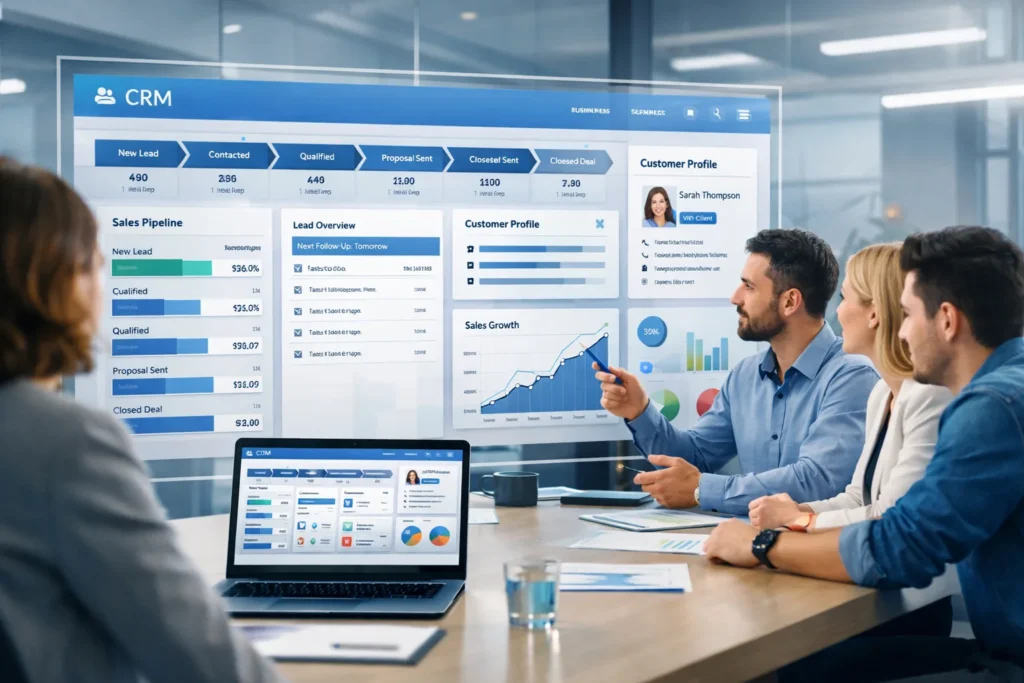
Running a small business today means managing more customer data, leads, and conversations than ever before. Spreadsheets, sticky notes, and scattered emails quickly become barriers to growth. This is where CRM Software for Small Business plays a critical role.
The right CRM system helps small businesses organize customer information, track sales opportunities, automate follow-ups, and deliver better customer experiences—all without increasing operational complexity. In this guide, we’ll explore what CRM software is, why it matters, key features to look for, and how to choose the best CRM software for small business success.
What Is CRM Software for Small Business?
CRM (Customer Relationship Management) software is a digital system that centralizes customer data and manages interactions across sales, marketing, and customer support.
For small businesses, CRM software is designed to be:
- Easy to use
- Affordable
- Scalable as the business grows
Unlike enterprise CRM platforms that can feel overwhelming, CRM software for small business focuses on simplicity, automation, and faster ROI.
Why Small Businesses Need CRM Software
Small businesses often struggle with:
- Missed follow-ups and lost leads
- No clear visibility into the sales pipeline
- Inconsistent customer communication
- Manual reporting and data duplication
A CRM system solves these challenges by acting as a single source of truth for customer information and sales activities.
Key Benefits of CRM Software for Small Business Success
Implementing the right CRM system can transform how a small business operates and grows.
Improved Lead Management and Conversion
CRM software captures leads from multiple channels and organizes them in one place. Sales teams can:
- Assign leads automatically
- Track deal stages
- Set reminders for follow-ups
This structured approach ensures no opportunity slips through the cracks.
Stronger Customer Relationships
With a complete view of customer history—calls, emails, purchases, and support requests—businesses can deliver personalized communication. This builds trust, loyalty, and long-term relationships.
Sales and Marketing Automation
CRM software for small business automates repetitive tasks such as:
- Follow-up emails
- Lead nurturing workflows
- Task reminders
Automation saves time and allows teams to focus on closing deals instead of managing data.
Data-Driven Decision Making
CRM dashboards and reports provide insights into:
- Sales performance
- Conversion rates
- Customer behavior
These insights help small business owners make informed decisions and forecast growth accurately.
Must-Have Features in the Best CRM Software for Small Business
Not all CRM systems are created equal. The best solutions for small businesses include the following core features:
Contact and Account Management
A centralized database that stores:
- Customer details
- Interaction history
- Notes and documents
This ensures consistent communication across teams.
Sales Pipeline and Deal Tracking
Visual sales pipelines allow businesses to track deals from lead to closure. This helps identify bottlenecks and improve sales efficiency.
Marketing Automation Tools
Modern CRM software for small business includes:
- Email campaign management
- Lead segmentation
- Automated nurturing workflows
These tools help convert prospects into customers faster.
Customer Support and Ticketing
Some CRM platforms include service modules that track:
- Customer complaints
- Support tickets
- Resolution times
This improves customer satisfaction and retention.
Reporting, Analytics, and Insights
Custom reports and dashboards provide real-time visibility into business performance, enabling continuous optimization.
Mobile Access and Cloud-Based CRM
Cloud-based CRM systems allow teams to access data anytime, anywhere—especially useful for remote or field sales teams.
How to Choose the Best CRM Software for Small Business
Selecting the right CRM system is a strategic decision. Here are key factors to consider:
Ease of Use and Quick Adoption
A CRM should be intuitive and require minimal training. If your team doesn’t use it consistently, it won’t deliver value.
Customization and Scalability
Choose CRM software that can adapt to your business processes and grow as your customer base expands.
Integration with Existing Tools
The best CRM software for small business integrates seamlessly with:
- Email platforms
- Accounting software
- ERP systems
- Marketing and communication tools
This eliminates data silos and manual entry.
Pricing and Total Cost of Ownership
Look beyond monthly subscription costs. Consider:
- Setup and customization fees
- User licensing
- Support and upgrade costs
A cost-effective CRM delivers long-term value, not just low upfront pricing.
Cloud-Based vs On-Premise CRM Software for Small Business
Understanding deployment options helps you choose the right solution.
Advantages of Cloud CRM for Small Businesses
- Lower upfront investment
- Faster implementation
- Automatic updates and security
- Easy remote access
For most small businesses, cloud-based CRM is the preferred choice.
When On-Premise CRM Makes Sense
On-premise CRM may be suitable if:
- Strict data control is required
- Custom infrastructure is already in place
- Regulatory compliance demands local hosting
Industry-Specific CRM Software for Small Businesses
Some businesses benefit from CRM solutions tailored to their industry.
CRM for Small Retail Businesses
Helps manage:
- Customer loyalty programs
- Purchase history
- Promotional campaigns
CRM for Small Manufacturing and Distribution Firms
Supports:
- Dealer and distributor management
- Order tracking
- Sales forecasting
CRM for Service-Based Small Businesses
Ideal for:
- Appointment scheduling
- Customer communication
- Service follow-ups
Industry-specific CRM software for small business ensures better alignment with operational needs.
Common Mistakes to Avoid When Implementing CRM Software
To ensure CRM success, avoid these pitfalls:
- Choosing overly complex software
- Skipping user training
- Migrating poor-quality data
- Not defining clear CRM goals
Proper planning and adoption are just as important as software selection.
How CRM Software Drives Long-Term Small Business Growth
CRM software is not just a sales tool—it’s a growth platform. By aligning sales, marketing, and customer service, CRM helps businesses:
- Improve retention
- Increase customer lifetime value
- Identify upsell and cross-sell opportunities
Over time, CRM becomes a strategic asset that supports sustainable growth.
Final Thoughts: Choosing the Best CRM Software for Small Business Success
The right CRM software for small business can level the playing field, helping smaller companies compete with larger enterprises through better organization, automation, and customer engagement.
When choosing a CRM, focus on usability, scalability, integration, and long-term value—not just features. A well-implemented CRM system will streamline operations, strengthen customer relationships, and drive consistent business success.
Great post! Thanks for sharing this valuable information. Keep up the excellent work.