
Introduction
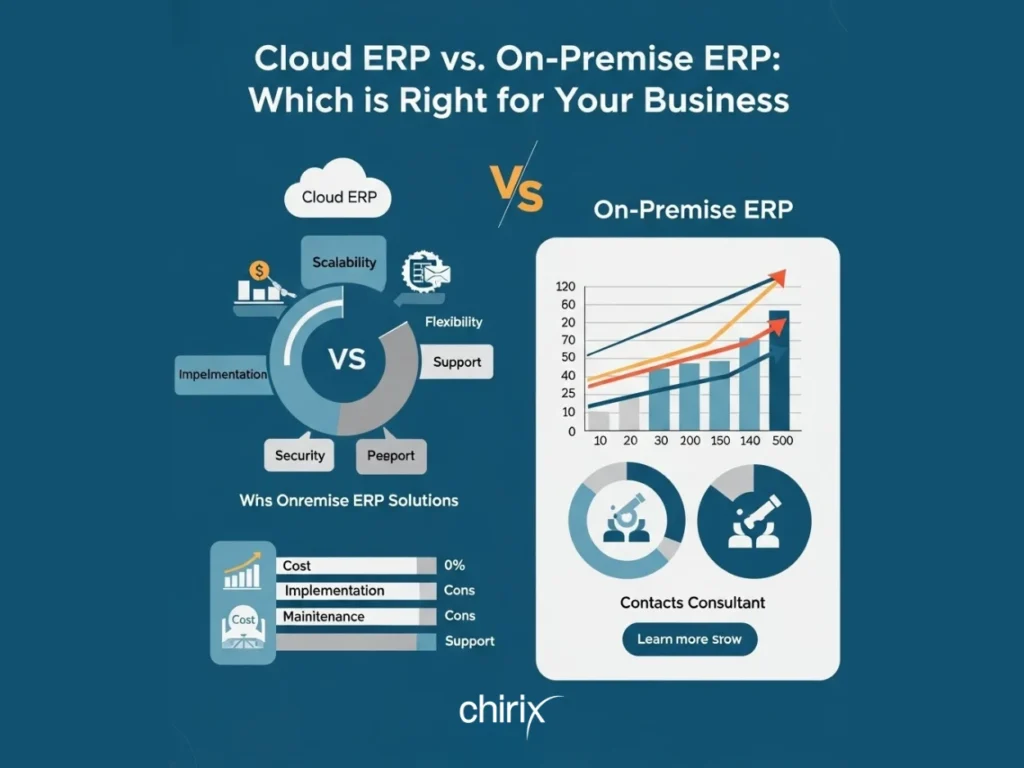
In today’s fast-paced business environment, choosing the right Enterprise Resource Planning (ERP) system is critical for streamlining operations, improving efficiency, and driving growth. One of the biggest decisions businesses face is whether to opt for a Cloud ERP or an On-Premise ERP solution. Both options have their unique advantages and challenges, and the right choice depends on your business needs, budget, and long-term goals. At Chirix ERP, we understand the importance of making an informed decision. In this blog, we’ll compare the pros and cons of cloud-based and on-premise ERP systems, focusing on cost, scalability, security, and maintenance, to help you determine which solution is the best fit for your business.
1. Cost: Upfront Investment vs. Subscription Model
Cloud ERP:
Pros: Cloud ERP systems typically operate on a subscription-based model, which means lower upfront costs. Businesses pay a monthly or annual fee, which often includes software updates, maintenance, and support. This makes it an attractive option for small and medium-sized businesses (SMBs) with limited capital.
Cons: Over time, the cumulative subscription fees may exceed the cost of an on-premise system, especially for larger enterprises.
On-Premise ERP:
Pros: On-premise ERP requires a significant upfront investment in hardware, software licenses, and infrastructure. However, once implemented, businesses own the system outright, which can be cost-effective in the long run.
Cons: The initial costs can be prohibitive for smaller businesses. Additionally, businesses are responsible for ongoing maintenance and upgrade expenses.
Verdict: If you prefer lower upfront costs and predictable monthly expenses, Cloud ERP is the way to go. However, if you have the capital for an initial investment and want long-term cost savings, On-Premise ERP might be a better fit.
2. Scalability: Flexibility for Growth
Cloud ERP:
Pros: Cloud-based systems are highly scalable, allowing businesses to easily add users, features, or storage as their needs grow. This makes it ideal for businesses with fluctuating demands or those planning to expand.
Cons: Depending on the provider, there may be limitations on customisation, which could restrict scalability for highly specialised industries.
On-Premise ERP:
Pros: On-premise systems can be customised to meet specific business needs, making them suitable for large enterprises with complex requirements.
Cons: Scaling an on-premise system often requires additional hardware, software, and IT resources, which can be time-consuming and expensive.
Verdict: For businesses that prioritise flexibility and rapid scalability, Cloud ERP is the clear winner. However, if your business requires highly customised solutions, On-Premise ERP may be more appropriate.
3. Security: Data Protection and Compliance
Cloud ERP:
Pros: Reputable cloud ERP providers, like Chirix ERP, invest heavily in advanced security measures, including encryption, firewalls, and regular security audits. Data is stored in secure data centers with redundancy and disaster recovery protocols.
Cons: Storing sensitive data off-site can raise concerns about data privacy and compliance, especially in highly regulated industries.
On-Premise ERP:
Pros: Businesses have complete control over their data and can implement customised security measures tailored to their specific needs. This is particularly beneficial for industries with strict compliance requirements.
Cons: Maintaining robust security requires significant IT expertise and resources, which can be a challenge for smaller businesses.
Verdict: Both options can be secure, but cloud ERP offers enterprise-grade security with less effort, while on-premise ERP provides greater control for businesses with specialized security needs.
4. Maintenance: IT Burden vs. Hands-Off Approach
Cloud ERP:
Pros: The ERP provider handles all maintenance, updates, and troubleshooting, freeing up your IT team to focus on strategic initiatives. This reduces the burden on internal resources and ensures your system is always up-to-date.
Cons: Businesses must rely on the provider for timely updates and support, which can be a drawback if the provider’s service levels are inconsistent.
On-Premise ERP:
Pros: Businesses have full control over maintenance schedules and updates, allowing for greater customisation and flexibility.
Cons: Maintaining an on-premise system requires a dedicated IT team and ongoing investment in hardware and software upgrades.
Verdict: If you prefer a hands-off approach and want to minimise IT workload, Cloud ERP is the better choice. However, if you have the resources and expertise to manage maintenance in-house, on-premise ERP offers greater control.
Conclusion: Which ERP Solution is Right for Your Business?
The decision between Cloud ERP and On-Premise ERP ultimately depends on your business’s unique needs, budget, and growth plans.
Choose Cloud ERP if:
- You want lower upfront costs and predictable expenses.
- You need a scalable solution that grows with your business.
- You prefer a hands-off approach to maintenance and updates.
- You value enterprise-grade security without the need for in-house expertise.
Choose On-Premise ERP if:
- You have the capital for an initial investment and want long-term cost savings.
- You require highly customised solutions and have complex business processes.
- You need complete control over your data and security measures.
- You have the IT resources to manage maintenance and upgrades in-house.
At Chirix ERP, we offer both cloud ERP and on-premise ERP solutions tailored to meet the diverse needs of businesses across industries. Our team of experts is here to help you evaluate your options and choose the ERP system that aligns with your goals.
Ready to Transform Your Business?
Contact Chirix ERP today to schedule a consultation and discover how our ERP solutions can drive efficiency, productivity, and growth for your business. Let us help you make the right choice for your future!
Pingback: Top 15 ERP Software in 2026 for Indian Businesses | Compare & Choose
Pingback: Best Production ERP Software for Manufacturers: How to Choose the Right System