
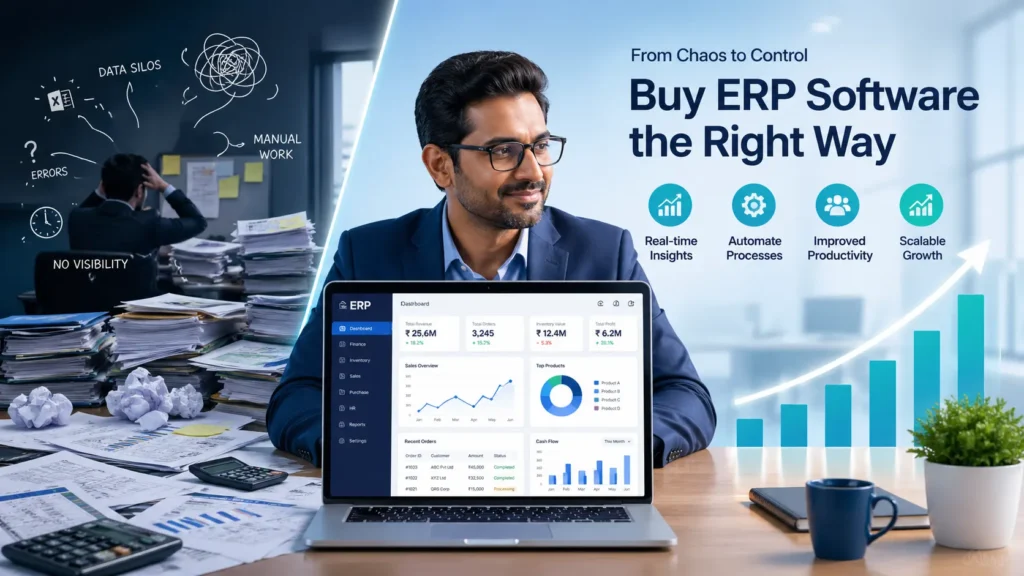
Buying ERP software is one of the most important decisions for any growing business. Yet, many companies rush the process—only to end up with a system that creates more problems than it solves.
If you’re planning to buy ERP software, this guide will help you avoid costly mistakes, choose the right solution, and ensure long-term success. Whether you’re a small business or a scaling enterprise, the right ERP can streamline operations, reduce costs, and unlock real growth.
What Does It Mean to Buy ERP Software?
ERP (Enterprise Resource Planning) software is a centralised system that integrates all your core business processes—finance, inventory, sales, HR, and more—into a single platform.
When you buy ERP software, you’re not just purchasing a tool—you’re investing in a system that connects your entire business and improves efficiency.
Key Benefits of ERP Systems
- Centralised data for better visibility
- Automation of repetitive tasks
- Real-time reporting and analytics
- Improved team collaboration
- Scalable growth infrastructure
Signs Your Business Needs to Buy ERP Software
Not sure if it’s the right time? Here are clear indicators:
- You’re using multiple disconnected tools or spreadsheets
- Frequent errors in data and reporting
- No real-time insights into business performance
- Operations becoming harder to manage as you grow
Industry Use Cases
- Manufacturing: Production planning, inventory control
- Retail: Billing, stock management, sales tracking
- Services: Project management, CRM integration
Step-by-Step Process to Buy ERP Software the Right Way
Step 1 – Define Your Business Requirements
Start by identifying your biggest challenges.
Ask:
- What problems do we need to solve?
- Which processes need automation?
- What features are non-negotiable?
Step 2 – Set a Realistic Budget
ERP is an investment, not an expense.
Consider:
- Software cost (license/subscription)
- Implementation charges
- Training and support
- Hidden costs (customisation, upgrades)
Step 3 – Choose Between Cloud vs On-Premise ERP
Cloud ERP
- Lower upfront cost
- Accessible anywhere
- Easier updates
On-Premise ERP
- More control
- Higher initial cost
- Requires IT infrastructure
👉 Most modern businesses prefer cloud-based ERP for flexibility.
Step 4 – Evaluate ERP Vendors
Not all ERP providers are equal.
Look for:
- Industry experience
- Customisation options
- Strong customer support
- Proven track record
Step 5 – Request Demo & Trial
Never skip this step when you buy ERP software.
During the demo:
- Check ease of use
- Evaluate dashboard and reports
- Ask real business scenario questions
Red Flag: If the system feels complex during demo, it will be worse after purchase.
Step 6 – Check Integration & Scalability
Your ERP should grow with your business.
Ensure it:
- Integrates with your existing tools
- Can handle future expansion
- Supports additional modules
Step 7 – Make the Final Decision
Compare shortlisted vendors based on:
- Features vs price
- Ease of use
- Support quality
- ROI potential
Choose the one that aligns best with your long-term goals—not just your current needs.
Common Mistakes to Avoid When You Buy ERP Software
- Choosing the cheapest option
- Ignoring scalability
- Not involving your team in decision-making
- Skipping proper training
- Underestimating implementation time
Essential Features to Look for Before You Buy ERP Software
- User-friendly interface
- Real-time analytics and reporting
- Mobile accessibility
- Automation tools
- Customisation flexibility
- Strong data security
How Much Does It Cost to Buy ERP Software in 2026?
ERP pricing varies based on business size and requirements.
Typical Cost Breakdown:
- Small Business: ₹50,000 – ₹300,000/year
- Medium Business: ₹300,000 – ₹1,500,000/year
- Enterprise: Custom pricing
Tips to Reduce ERP Costs
- Start with essential modules
- Choose scalable pricing plans
- Avoid over-customisation initially
Best Practices for Successful ERP Implementation
- Create a clear implementation roadmap
- Assign an internal project manager
- Train employees properly
- Monitor performance after launch
How to Choose the Right ERP Vendor
Before signing:
- Ask about support and response time
- Check client reviews and case studies
- Ensure they offer long-term partnership—not just software
For Indian businesses, local support and understanding of GST, compliance, and regional needs are crucial.
Why Buying the Right ERP Software Is a Growth Investment
The right ERP system doesn’t just manage your business—it transforms it.
- Improves efficiency across departments
- Reduces operational costs
- Enables data-driven decisions
- Gives you a competitive advantage
Conclusion
Choosing to buy ERP software is a major step toward business growth—but only if done right.
Follow a structured approach, focus on long-term value, and avoid common pitfalls. The right ERP will not only streamline your operations but also position your business for scalable success.
👉 Ready to take the next step?
Book a free demo, evaluate your options, and start your ERP journey today.
The best way is to define your needs, compare vendors, request demos, and choose a scalable solution that fits your business goals.
It can take anywhere from a few weeks to several months depending on complexity and business size.
For most businesses, cloud ERP is more flexible, cost-effective, and easier to manage.
Yes. Many ERP solutions offer affordable and scalable pricing models suitable for small businesses.