
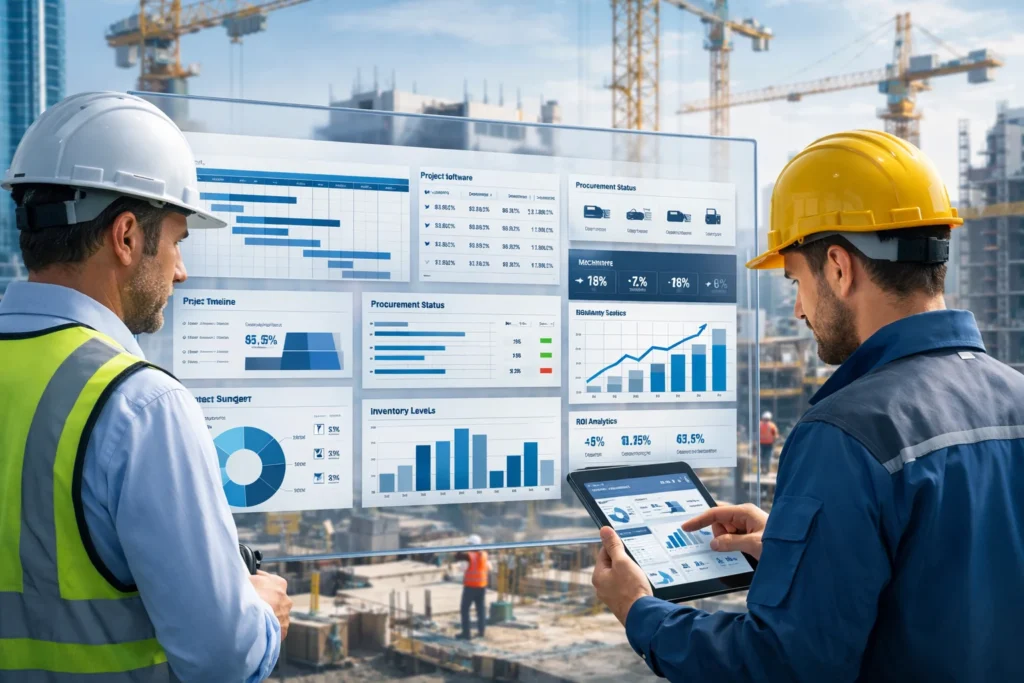
The construction industry operates on thin margins, tight deadlines, and complex coordination between multiple teams, vendors, and project sites. Yet many construction companies still rely on disconnected systems, spreadsheets, and manual processes that lead to cost overruns, delays, and poor visibility.
This is where construction ERP software has become a game-changer.
In this guide, we’ll explain what construction ERP software is, explore its key modules, break down pricing models, and clearly show the ROI construction businesses can expect. If you’re evaluating ERP for your construction company, this article will help you make a confident, informed decision.
What Is Construction ERP Software?
Construction ERP software is an integrated business management system designed specifically for construction companies. It centralises project management, accounting, procurement, inventory, HR, equipment, and reporting into one unified platform.
Unlike generic ERP systems, construction ERP software is built to handle:
- Multi-site projects
- Job costing and progress billing
- Contract and subcontractor complexity
- Real-time coordination between site and office teams
Who Uses Construction ERP Software?
Construction ERP software is widely used by:
- Small and mid-sized contractors
- Large construction enterprises
- Infrastructure and EPC companies
- Real estate developers
- Commercial and residential builders
As projects scale in size and complexity, ERP becomes essential—not optional.
Core Modules of Construction ERP Software
A modern construction ERP system is modular, allowing companies to implement only what they need today and scale later.
Project Management Module
The project management module is the backbone of construction ERP software.
Key capabilities include:
- Project planning and scheduling
- Milestone and task tracking
- Real-time progress monitoring
- Resource allocation across multiple projects
- Delay and risk identification
This module ensures every stakeholder has visibility into project status, reducing miscommunication and delays.
Construction Accounting & Finance
Construction accounting is very different from standard accounting. Construction ERP software addresses this with specialised financial controls.
Key features:
- Job costing and cost-to-complete analysis
- Budgeting and forecasting
- Progress billing and retention management
- Accounts payable and receivable
- Financial compliance and audit readiness
By integrating finance with project data, companies gain real-time cost control instead of reactive reporting.
Procurement & Inventory Management
Material delays and wastage are major profit killers in construction. ERP solves this with centralised procurement and inventory control.
Capabilities include:
- Material requirement planning (MRP)
- Vendor and purchase order management
- Site-wise inventory tracking
- Stock movement and wastage analysis
- Price comparison and supplier performance tracking
This module alone often delivers quick ROI by reducing excess purchasing and material loss.
Contract & Subcontractor Management
Managing contracts manually increases risk and disputes. Construction ERP software automates the entire contract lifecycle.
Key functions:
- Contract creation and version control
- Subcontractor billing and certification
- Change order management
- Claims and retention tracking
- Compliance monitoring
This improves transparency and strengthens relationships with subcontractors and vendors.
HR, Payroll & Workforce Management
Labour costs form a major part of construction expenses. ERP helps optimise workforce utilisation.
Features include:
- Labour attendance and site-wise tracking
- Payroll processing with statutory compliance
- Skill and certification tracking
- Workforce productivity analysis
- Resource planning across projects
With better labour visibility, companies can control costs and improve productivity.
Equipment & Asset Management
Construction equipment represents a significant capital investment. ERP helps maximise asset utilisation.
Capabilities:
- Equipment allocation to projects
- Usage and downtime tracking
- Preventive maintenance scheduling
- Asset depreciation and lifecycle management
This reduces idle equipment costs and unexpected breakdowns.
How Construction ERP Software Pricing Works
One of the most common questions buyers ask is, ‘How much does construction ERP software cost?’
Common Pricing Models
Most construction ERP vendors follow one of these models:
- Subscription-based pricing (SaaS)
Monthly or annual fees based on users or modules - Per-user pricing
Cost increases as the number of users grows - Per-module pricing
Pay only for the modules you need - On-premise licensing
One-time licence fee plus annual maintenance
Cloud-based ERP is increasingly preferred due to lower upfront costs and faster deployment.
Factors That Affect Construction ERP Software Cost
The final price depends on several factors:
- Number of users
- Number of projects and sites
- Required modules
- Customisation needs
- Data migration and integration
- Training and support
Understanding these variables helps avoid unexpected expenses.
Estimated Construction ERP Software Price Range
While pricing varies by vendor and region, general ranges include:
- Small contractors: Entry-level ERP with core modules
- Mid-sized companies: Full construction ERP with project, finance, and procurement
- Large enterprises: Advanced ERP with enterprise controls and integrations
The key is evaluating total cost of ownership—not just licence fees.
ROI of Construction ERP Software: Is It Worth the Investment?
When implemented correctly, construction ERP software delivers measurable ROI across financial, operational, and strategic dimensions.
Financial ROI
Companies commonly experience:
- Reduced project cost overruns
- Improved budget accuracy
- Faster billing and improved cash flow
- Lower material wastage
- Better cost control across projects
Even small percentage improvements can translate into significant profit gains.
Operational Efficiency Gains
ERP improves daily operations by:
- Eliminating duplicate data entry
- Reducing manual errors
- Enabling real-time reporting
- Improving collaboration between site and office
- Accelerating decision-making
Managers spend less time chasing data and more time managing performance.
Long-Term Strategic ROI
Beyond immediate savings, ERP creates long-term value:
- Scalable systems for business growth
- Improved compliance and audit readiness
- Data-driven forecasting and planning
- Stronger customer and vendor relationships
This positions construction firms for sustainable growth.
Cloud vs On-Premise Construction ERP Software
Choosing the right deployment model is critical.
Benefits of Cloud-Based Construction ERP
- Lower upfront investment
- Faster implementation
- Access from any site or location
- Automatic updates and security
- Easy scalability
Cloud ERP is ideal for multi-site construction operations.
When On-Premise ERP Makes Sense
On-premise ERP may be suitable when:
- Strict data control is required
- Heavy customisation is needed
- Regulatory constraints exist
However, it involves higher upfront and maintenance costs.
How to Choose the Best Construction ERP Software
Not all ERP systems are equal. Selecting the wrong solution can create more problems than it solves.
Key Features to Look For
- Construction-specific workflows
- Real-time dashboards and reporting
- Mobile access for field teams
- Strong integration capabilities
- Scalable architecture
Always prioritise industry relevance over generic features.
Questions to Ask ERP Vendors
Before finalising a vendor, ask:
- Do you specialise in construction ERP software?
- Can you share industry case studies?
- What is the implementation timeline?
- What training and post-go-live support is included?
- How scalable is the system?
Clear answers reduce risk and ensure alignment.
Common Mistakes to Avoid
- Over-customising the system
- Ignoring change management and training
- Choosing ERP based only on price
- Underestimating implementation effort
ERP success depends as much on people and processes as on technology.
Implementation Timeline and Best Practices
Typical ERP Implementation Phases
- Requirement analysis
- System configuration and customisation
- Data migration and testing
- User training
- Go-live and stabilisation
Depending on scope, implementation can range from a few weeks to several months.
Best Practices for Successful ERP Adoption
- Secure executive sponsorship
- Start with critical modules first
- Use phased rollouts
- Train users continuously
- Monitor performance post-implementation
Following best practices ensures faster ROI and higher user adoption.
Future Trends in Construction ERP Software
Construction ERP continues to evolve rapidly.
AI & Predictive Analytics
- Cost overrun prediction
- Demand forecasting
- Risk analysis
Integration with BIM & IoT
- Real-time site data
- Equipment performance monitoring
- Improved planning accuracy
Mobile-First ERP
- On-site approvals
- Field data capture
- Faster communication
These innovations will further increase ERP value in construction.
Is Construction ERP Software Right for Your Business?
If your construction business struggles with cost control, fragmented systems, or limited visibility, construction ERP software is no longer optional—it’s essential.
By unifying projects, finance, procurement, workforce, and assets into one platform, ERP enables:
- Better profitability
- On-time project delivery
- Scalable growth
The key is choosing the right construction ERP solution and implementing it strategically.
🚀 Ready to Transform Your Construction Operations?
Discover how construction ERP software can reduce costs, improve control, and boost profitability.
👉 Request a free demo and see the ROI in action.